WhatsApp appointment bot: a guide for medical practices
WhatsApp appointment bot for your practice: how to book, remind and reschedule, copy-ready templates, health-care limits and Mexico data protection law.
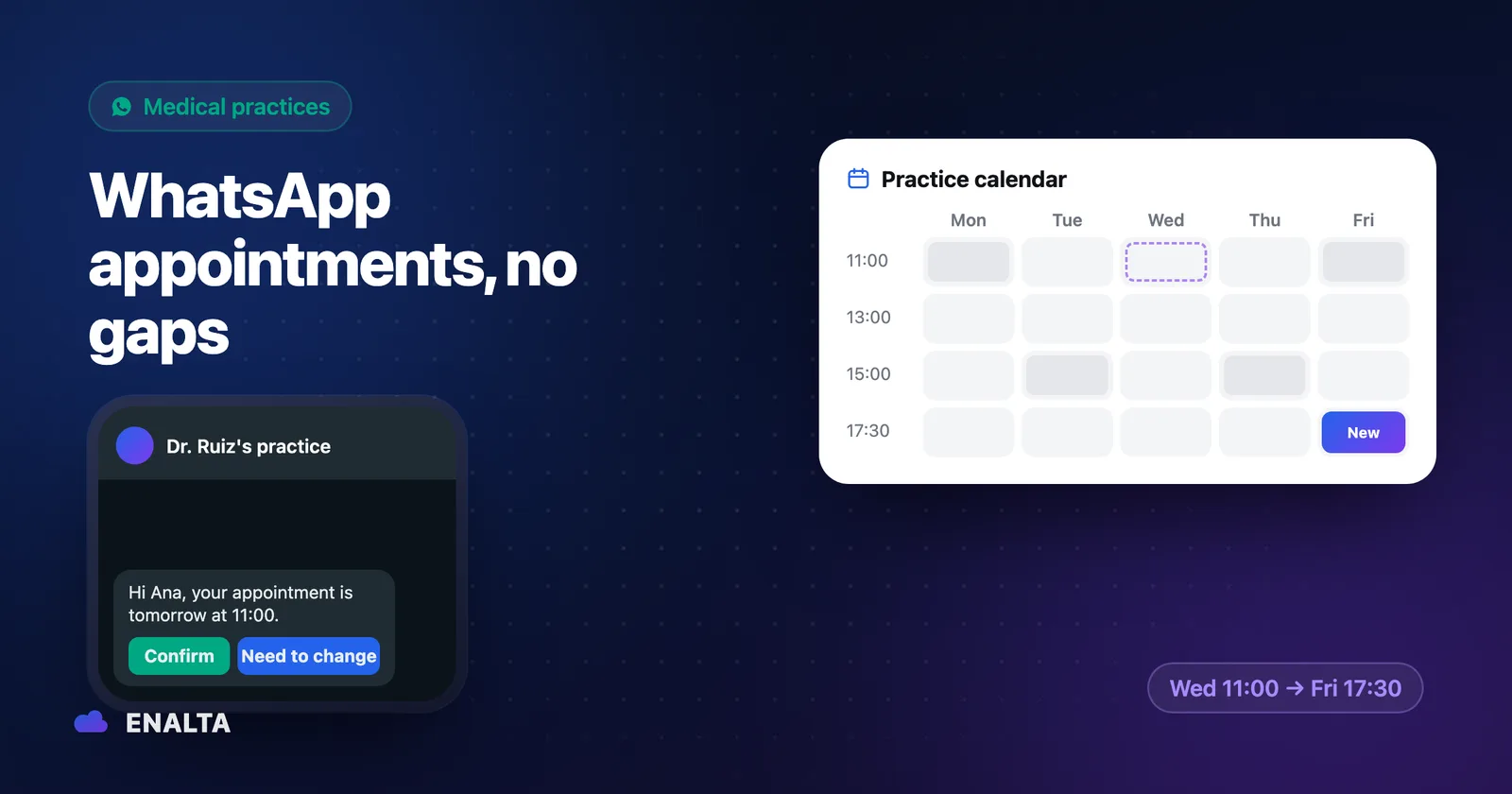
It's 11:00 a.m. and the patient booked for that slot hasn't shown up. Nobody called to cancel. Meanwhile, the practice's WhatsApp holds messages sent at 11 p.m. the night before ("anything open on Thursday?") and a reschedule someone agreed to over chat but never wrote down. A well-designed WhatsApp appointment bot can clean up a good part of this.
An empty slot means staff time, materials already prepared and a spot another patient could have used. This guide gives you flows, templates and rules you can put to work this week, with or without automation.
What a WhatsApp appointment bot can (and shouldn't) do in health care
A bot on your practice's WhatsApp is administrative support: what a good receptionist would do, yes; anything that calls for medical judgment, no.
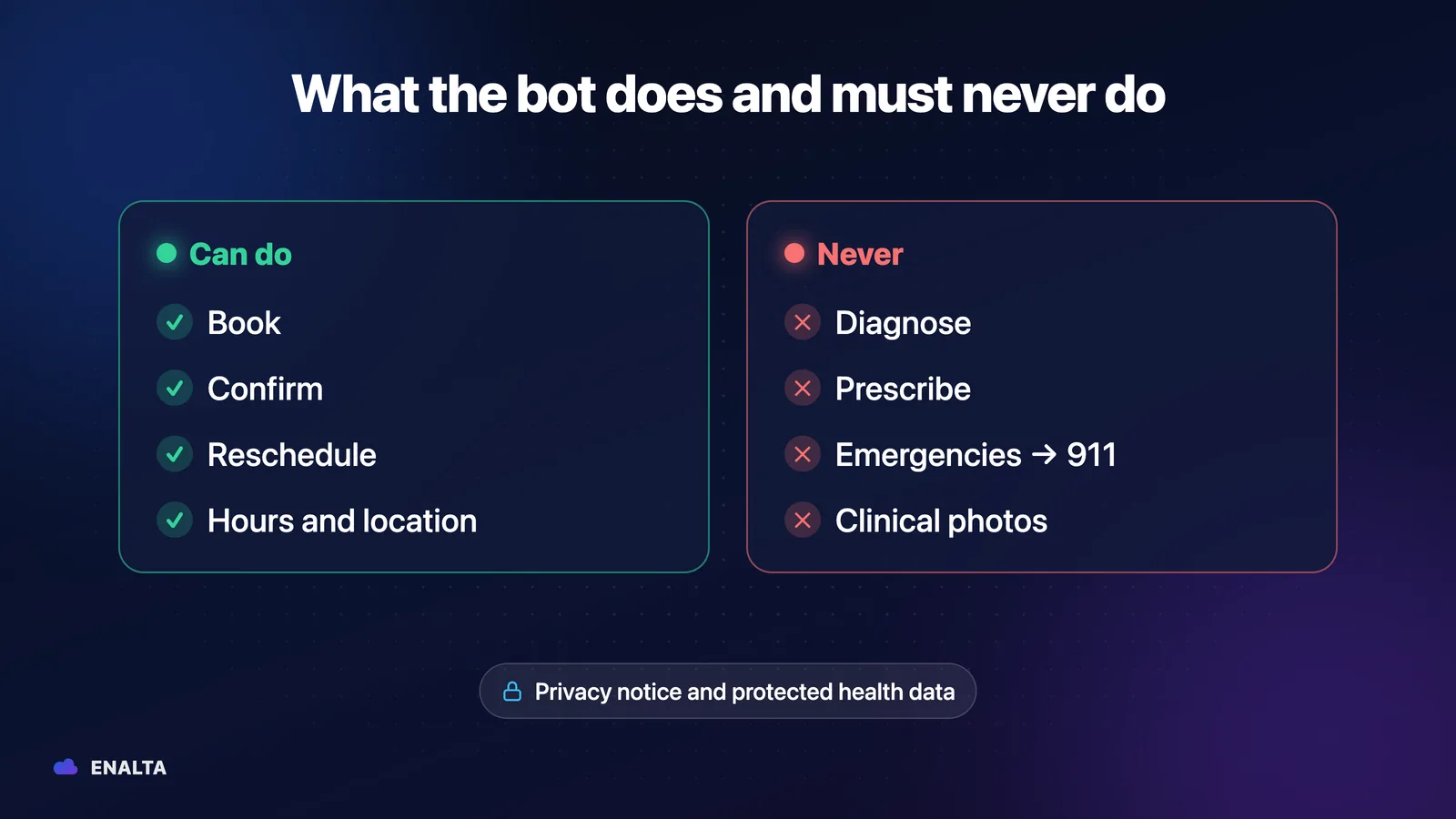
| It can (administrative) | It shouldn't (hand off to a person or to 911) |
|---|---|
| Share hours, location and directions | Diagnose or suggest what the patient has |
| Quote the consultation fee you approved | Prescribe or recommend doses |
| Give general prep instructions approved by the doctor ("come fasting") | Interpret symptoms or test results |
| Book, confirm, reschedule and remind patients of appointments | Ask for clinical photos |
| Send the privacy notice | Handle emergencies |
| Hand the conversation off to the front desk | Make exceptions to your policies |
This isn't just caution. The WhatsApp Business policy asks businesses not to use WhatsApp for telemedicine or to send or request health information where applicable regulation prohibits it. And if you automate replies, it requires escalation paths to a person that are "prompt, clear, and direct."
Emergency phrases
Define words that stop the booking flow regardless of context. An illustrative list, to adjust with your doctor: "chest pain," "I can't breathe," "I fainted," "heavy bleeding," "seizure," "I want to hurt myself." When any of them comes up, the bot gives the emergency number and alerts your team.
Illustrative example:
Patient: My chest really hurts, what should I take?
Agent: I can't give medical advice through this channel. If this is an emergency, call 911 now. I've already alerted the practice so a person can contact you.
How to book appointments on WhatsApp, step by step
A good flow asks for the minimum and confirms everything in writing. The order: greeting, administrative reason (first visit, follow-up, cleaning; never symptoms), specialist, open times from the real calendar, name and phone number, confirmation with date, time and address, and a notice to the front desk.
Illustrative example:
Patient: Hi, I'd like an appointment with the doctor. It's my first visit.
Agent: Happy to help. Dr. Ramírez has Tuesday at 10:00 or Wednesday at 16:30. Which do you prefer? And whose name should I book it under?
Patient: Tuesday. Laura Méndez.
Agent: All set, Laura: Tuesday at 10:00 with Dr. Ramírez at Av. Ejemplo 123, office 4. We'll send you a reminder before your appointment.
Calendar integration
The bot is only as good as its access to the schedule: Google Calendar, Outlook or your practice software, if it has an API. Two rules:
- Check availability before confirming. If the bot offers times from a fixed list, sooner or later you'll get double bookings.
- A single source of truth. Appointments the front desk books by phone and the ones the bot books live in the same calendar. Otherwise, the 11:00 problem just moves somewhere else.
WhatsApp appointment reminders: when and how to send them
A 2013 Cochrane review (8 trials, 6,615 participants) found that text message reminders increase attendance compared with no reminder, with an effect similar to phone call reminders. The authors rate the evidence as low to moderate quality. Note: the study covers SMS, not WhatsApp. It supports the idea that reminders work; it doesn't promise a specific percentage for your practice.
| When | Goal | WhatsApp message type | Asks for a reply? |
|---|---|---|---|
| At booking | Confirm date, time, address and directions | Reply within the conversation the patient started | No |
| 24 to 48 h before | Remind and offer an easy way to reschedule | Meta-approved utility template | Yes: "Confirm" / "I need to reschedule" |
| 2 to 3 h before (only long appointments or ones requiring prep) | Short heads-up | Utility template | No |
| After the visit | Administrative instructions and a link to book the next appointment | Template or reply, depending on the window | Optional |
The channel rules, in plain terms. On the official WhatsApp Business Platform, when a patient messages you, a 24-hour customer service window opens from their last message. Inside it, you can reply freely; outside it, you can only send Meta-approved templates.
A reminder 24 or 48 hours ahead almost always falls outside the window, so it's a utility template. Meta charges per delivered message based on the category and its current rate card; messages the patient sends you are free. More reminders aren't always better: each one costs money and, if you overdo it, the patient may block you.
Copy-ready reminder templates (illustrative examples)
Variables go in double curly braces, just as when you register a template with Meta.
Dental practice
Hi, {{name}}. This is a reminder of your appointment at {{practice}} on {{date}} at {{time}}.
[Confirm] [I need to reschedule]
General practitioner or specialist
Hi, {{name}}. Your appointment with {{doctor}} is on {{date}} at {{time}} at {{address}}. If you have recent test results, please bring them. Our grace period is {{minutes}} minutes.
[Confirm] [I need to reschedule]
Multi-session treatments
Hi, {{name}}. We'll see you on {{date}} at {{time}} for session {{session_number}} of {{total_sessions}}. Reply if you need to move it.
[Confirm] [I need to reschedule]
None of them names the treatment. You'll see why below.
When the patient replies "I can't make it": rescheduling without losing the slot
The "I need to reschedule" button only works if someone replies with real options.
Illustrative example:
Patient: I won't be able to make it tomorrow.
Agent: Thanks for letting us know. I have Thursday at 10:00 or Friday at 17:30. Which works for you?
Patient: Friday.
Agent: Done, you're booked for Friday at 17:30. I've released your slot for tomorrow.
The front desk gets a notification and can offer the slot to the waiting list. The requirement: whoever replies has to see the real calendar. If you want to see it in action, watch an agent confirm and reschedule an appointment.
Patient data on WhatsApp: the basics of Mexico's new LFPDPPP
Important notice: this section is general information, not legal advice. Before launching any bot, review your privacy notice and your flows with a data protection specialist.
The new Federal Law on the Protection of Personal Data Held by Private Parties (LFPDPPP, Mexico's personal data protection law for the private sector) was published in the Official Gazette of the Federation (DOF) on March 20, 2025, and took effect the following day. See the current text. The essentials:
- Health is sensitive data. Art. 2, section VI, includes "present or future health status."
- Express, written consent. For sensitive data, Art. 8 requires it through a handwritten signature, an electronic signature or an authentication mechanism. The most prudent approach is not to collect medical information over chat.
- Privacy notice. Art. 15 sets its minimum content: who the data controller is, what data is processed (identifying sensitive data), for what purposes, how to limit its use and how to exercise ARCO rights (access, rectification, cancellation and opposition).
- Security. Art. 18 requires administrative, technical and physical measures in line with how sensitive the data is.
What not to put in a reminder: diagnoses, procedures or results. They show up on the lock screen. Name, date, time, address and administrative instructions; nothing more.
The privacy notice inside the chat
The first contact is the natural moment to share it.
Illustrative example:
Patient: Hi, I'd like an appointment.
Agent: Happy to help. First, here's our privacy notice: {link}. To book, I only need your name and a preferred time. We don't ask for medical information through this channel.
As a structural reference, IMSS (the Mexican Social Security Institute) published a privacy notice for its WhatsApp appointment confirmation tool. But IMSS is a public institution and is governed by a different law: use it to see how a notice is organized, not as a template for a private practice.
Questions to ask any provider
The law calls whoever processes data on your behalf a "processor" (persona encargada, Art. 2, section XII). Before you sign, ask (us included): where conversations are stored, who has access, which AI model is used and whether it trains on your data, when data is deleted and what happens to the information if you end the contract.
Three ways to do it: manual, app or API with an agent
| Manual (your team) | WhatsApp Business app | Official platform (API) with an agent | |
|---|---|---|---|
| Daily effort | High | Medium: quick replies and automated messages | Low: the team supervises |
| Scale | A few appointments a day | One number, a few devices | Several practitioners and high volume |
| Who replies at night? | Nobody | Away message | The agent, with rules and handoff |
| Calendar connection | Manual | Manual | Via API, in real time |
| Cost type | Staff time | The app doesn't charge per message | Templates per Meta's rate card, plus provider and AI |
There's no magic number of appointments that tells you when to switch. Run the numbers with your own volume: appointments per week, reschedules over chat and after-hours messages. For details on each option, see the five levels of WhatsApp automation.
How to measure whether it worked: confirmations and no-shows
Compare a "before" with 4 to 8 weeks of use. A spreadsheet is enough:
| Metric | Before | After |
|---|---|---|
| % of appointments confirmed | ||
| % of no-shows | ||
| Slots recovered through rescheduling | ||
| Conversations that needed a person |
Checklist before launching your appointment bot
- Approved information reviewed by the doctor.
- Emergency phrases and a response pointing to 911.
- Hours and method for handing off to a person.
- Templates with no clinical data, approved by Meta.
- Privacy notice updated to the 2025 law, on the profile and in the first message.
- Patient consent to receive messages on WhatsApp.
- Written cancellation and grace-period policy.
- Calendar connected as the single source of truth.
- Testing with simulated conversations.
- One person responsible for supervision.
- Conversation retention and deletion rules.
- Review of the notice and flows by a legal specialist.
Frequently asked questions
Can the bot confirm and reschedule on its own?
Yes, if it's connected to your calendar and has clear rules on which times to offer and which cases to hand off to the front desk. It should check real availability before confirming and release the slot when the patient changes their appointment, so the front desk can offer it to the waiting list.
Can I use my current number?
In many cases, yes, but it's best not to assume so: each number is reviewed case by case before anything is moved, so your patient care isn't interrupted. At ENALTA, we review it during the assessment and explain which option applies before connecting the bot.
What if a patient writes in with an emergency?
The bot doesn't handle it. When it detects emergency phrases like "chest pain" or "I can't breathe," it stops the booking flow, tells the patient to call 911 and immediately alerts your team so a person can contact the patient. Those phrases are defined and fine-tuned with your doctor before launch.
Can my receptionist step in?
Yes, at any time. Your team can take over any conversation, correct a reply or handle a case the bot shouldn't resolve. This is also what the WhatsApp Business policy requires for automated experiences: prompt, clear and direct escalation paths to a person.
A WhatsApp chatbot for your practice: how ENALTA implements it
At ENALTA, we design, integrate and maintain a custom AI agent on the official WhatsApp Business Platform. It provides information and administrative support: it books, confirms and reschedules using your calendar, and hands off to a person. It doesn't diagnose, doesn't prescribe and doesn't handle emergencies. Sensitive actions are restricted, and your team can step in whenever it wants.
The process runs from assessment and design to integration, testing and launch with ongoing optimization. During the assessment, we check whether your current number can be connected. You define the privacy rules with your legal advisor; we build them into the agent.
Implementation is $1,890 USD + VAT as a one-time card payment, and the agent goes live in 10 business days. Maintenance starts at $390 USD + VAT/month, isn't charged until the agent is live, and includes WhatsApp (Meta) and AI usage up to 1,000 conversations a month.
If you want fewer gaps in your schedule and fewer unanswered chats, check out the AI WhatsApp agent for your practice and choose "Activate my agent."
Sources
- Mexican Chamber of Deputies: Federal Law on the Protection of Personal Data Held by Private Parties, current text (DOF 03-20-2025, last amended DOF 11-14-2025), Arts. 2, 8, 15 and 18
- WhatsApp: WhatsApp Business Messaging Policy (snapshot from August 3, 2026)
- Meta for Developers: Pricing on the WhatsApp Business Platform
- Gurol-Urganci I. et al.: Mobile phone text messaging reminders for attendance at healthcare appointments (Cochrane, 2013, CD007458)
- IMSS: Comprehensive privacy notice for the WhatsApp Digital Appointment Confirmation tool